Map components before assigning permissions
List the components that will communicate with the payment service. A reconciliation process may only need to read transactions, while a checkout service may need to create payment requests. A card-management feature has a different responsibility from a public page that displays pricing. The public page should not receive a server credential simply because it belongs to the same product.
WATADCASH’s documentation distinguishes permissions such as wallet reads, customer operations, invoice operations and card operations. Use those distinctions to describe the integration in plain language. If a component’s role cannot be explained clearly, giving it a broad key is unlikely to make the design clearer.
Keep the trust boundary on the server
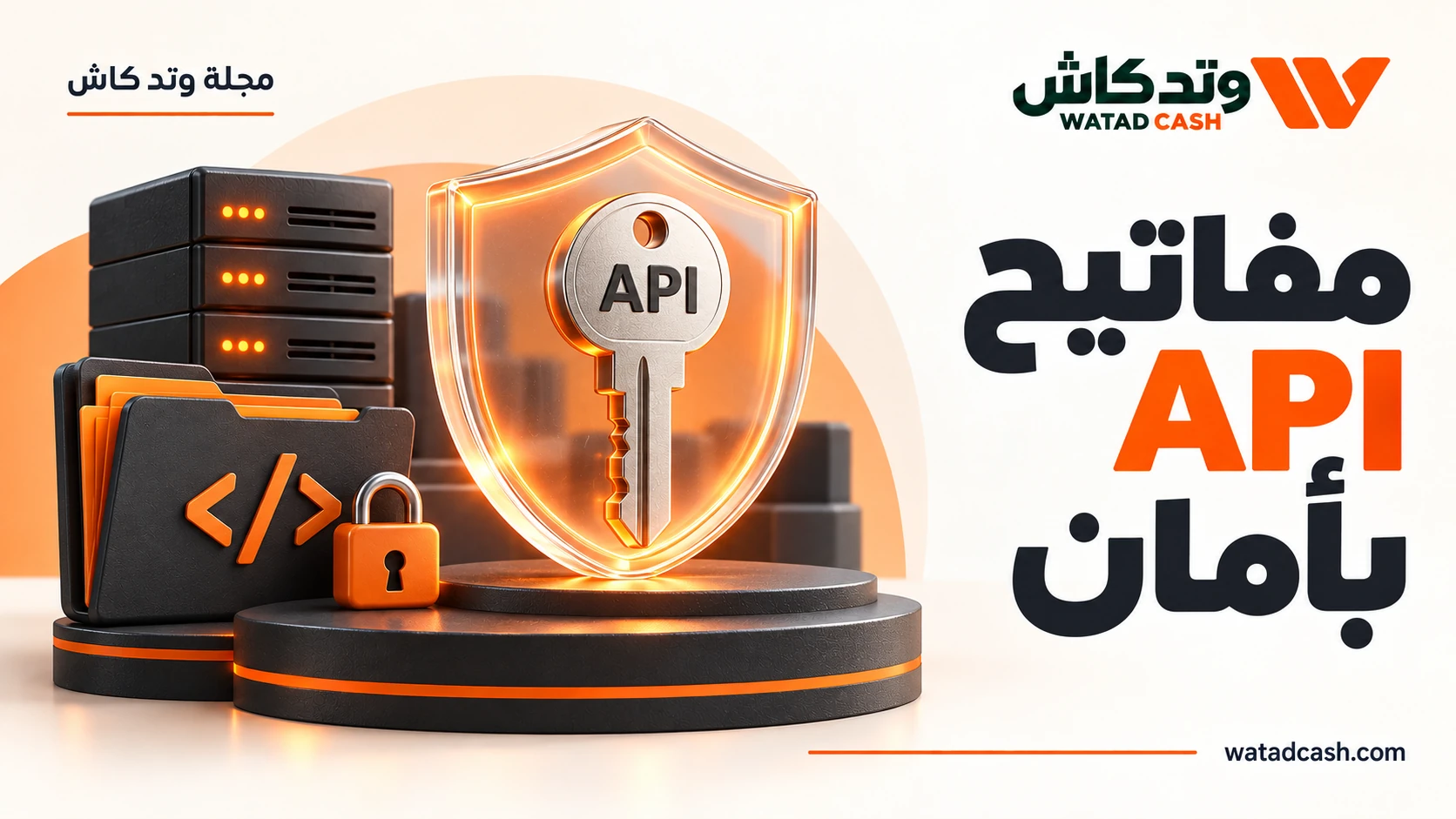
The provider’s public documentation says to keep the integration key on the server. A browser application can send an authorised request to your own backend, but that does not mean it should call the payment API using a merchant secret embedded in JavaScript. Browser code is delivered to the person using the browser.
Think about the data you expose as well as the key itself. A customer-facing page normally needs information about that customer’s current order, not a merchant-wide view of payment operations. Shape your backend response around the user’s task. The fact that your server is allowed to read a field does not make that field appropriate for every client response.
Distinguish permission from service eligibility
A permission string is not the whole authorisation decision. WATADCASH says requests are checked against permissions, package status and resource ownership. Its card funding documentation also refers to an eligible balance and ownership of the card. A key having a named permission does not override those other conditions.
Build the user experience around those distinctions. An unavailable service, an insufficient permission and a resource belonging to another account should not all become the same unexplained “something went wrong” message in your internal operations view. Use the documented error behaviour to help your team identify which requirement needs attention without revealing sensitive account details.
Make key handling an operational process
Decide who can create, store and replace integration credentials within your organisation. Keep production secrets out of shared documents and sample repositories. Use recognisable placeholders when writing a guide or requesting support, and refer to an internal secret identifier rather than pasting its value into a ticket.
A change in staff responsibilities or application ownership is a good time to review access. Record which component uses which credential and which operations it is intended to perform. That inventory is useful during routine maintenance, not only after an incident. It prevents a forgotten script from becoming an unexplained dependency on an overly broad key.
Test the permissions you intentionally omitted
A useful integration test confirms that the permitted job works and that unrelated jobs do not. For example, a read-oriented reconciliation component should not need the ability to create a new financial instruction. Test those boundaries in the environment and process available to your business, following the provider’s current documentation.
Start small: authenticate, make the documented read request for your approved service and inspect the response handling. Then add the next required capability. WATADCASH’s public quick-start and authentication pages support that gradual approach. The result is an integration whose permissions reflect its responsibilities instead of a collection of credentials nobody wants to change.
Frequently asked questions
Does a permission guarantee a request will execute?
No. WATADCASH documents additional checks including package status and resource ownership. A request can require an enabled service, the correct account relationship and an eligible balance as well as a permission.
Can I place a merchant API key in a mobile or browser interface?
The reviewed documentation says integration keys belong on the server. Design the client to use your own authenticated backend for its task rather than distributing a merchant secret to every installed application or browser session.
What is a useful first integration milestone?
Establish server-side authentication and perform an approved read request using only the required permissions. Confirm how failures are reported before adding invoice, customer or card operations. Keep the key and its intended purpose documented internally.
Sources and verification
- WATADCASH authentication and permission referenceReviewed 2026-10-18
- WATADCASH developer overviewReviewed 2026-10-18
- WATADCASH card operation guidanceReviewed 2026-10-18